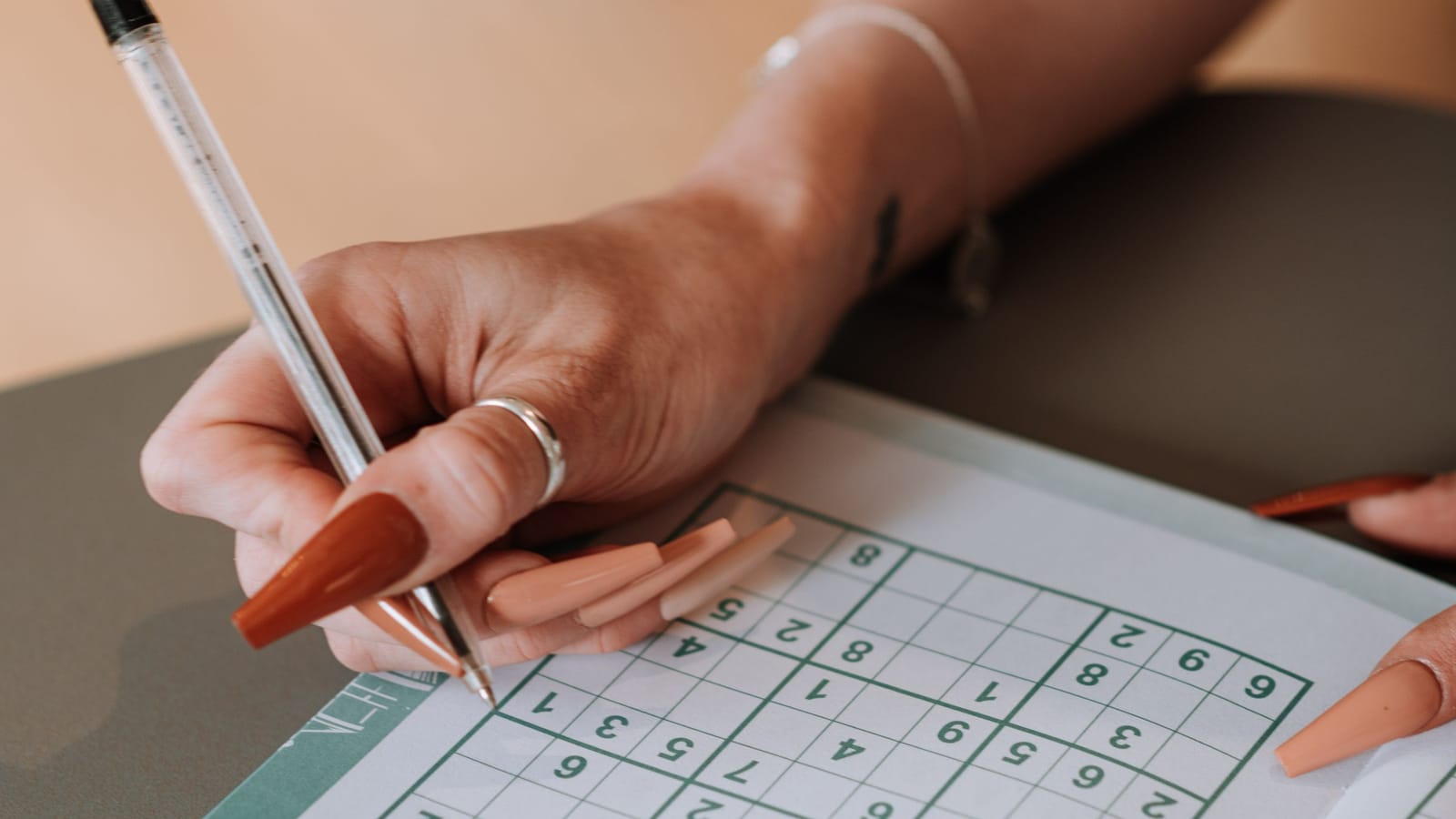
Put the idea into practice
Try Spot the Difference
Play 27 scenes in sequence, starting with three differences. No time limit; reveal a spot whenever you get stuck.
Find them all to see Level complete, then press Next level.
Choose something specific to practise
“Pay more attention” is a difficult instruction to act on. “Compare the number of objects in these two areas” gives you a target and a checking step. The activities below use that kind of concrete instruction.
Visual attention concerns selecting visual information for further processing. A review of visual search describes several influences on where attention is directed, including features and scene context [1]. Here, the activities are editorial suggestions for practising particular tasks; the list itself is not a tested training programme.
Choose one activity that interests you. Set up a comfortable display, read the rule and decide how you will check your answer. Stop or adjust the display when the material is difficult to see.
Ten activities with checking steps
| Activity | How to practise | What to check |
|---|---|---|
| 1. Compare two scenes | Choose a spot-the-difference puzzle. Compare one object with its counterpart before marking it | Which distinct changes did you find, and which selections were mistaken? |
| 2. Search by region | Divide a picture mentally into four areas. Inspect one area before moving to the next | Did you compare the matching region in the other picture, or drift back to a favourite area? |
| 3. Compare shapes | Draw two short rows of simple symbols with one changed shape. Have another person arrange them if you want an unfamiliar example | Name the exact shape change, then check the original rows |
| 4. Count within groups | Compare the number of objects in corresponding shelves, trays or boxes in a puzzle | Check the group boundaries and count each object once |
| 5. Find the odd item | Use a display with one item different from the others, such as Find the Odd One | State the rule that makes it different before selecting it |
| 6. Follow a number sequence | Use a Schulte table and select the numbers in order | Note selection errors and whether the grid size stayed the same |
| 7. Find a specified symbol | Write a short symbol grid and a separate target, such as a triangle containing a dot. Search for exact matches | Compare your selections with a prepared answer key, including missed targets |
| 8. Compare positions | Use two small arrangements of everyday objects, or drawings of them, with one moved object | Describe both its old and new location; keep the two arrangements available for checking |
| 9. Decide whether anything changed | Ask someone to prepare matching and changed pairs of small drawings, with a concealed answer key | Check both false alarms and missed changes; do not assume every pair contains a difference |
| 10. Explain one missed detail | Review a completed puzzle and choose a detail you missed | State what changed and how you could compare that attribute next time |
The paper and object activities are examples you can prepare yourself. They do not have calibrated difficulty or a LaserMind score. If you create the answers yourself, familiarity is part of the activity; record that if you keep a log.
Turn an activity into a useful practice loop
Start with one clear rule. For example: “I will compare the number of items in each group before tapping.” Try one puzzle or prepared display, check the result and make one adjustment for the next attempt.
In a spot-the-difference scene, you could compare a stack of books, a row of pots and a tray of tools. If you miss the change in the tray, review whether you counted the same group in both pictures. The next step might be to define the group more clearly rather than simply move faster.
For region-based searching, the spot-the-difference strategy guide gives an example. You do not need to follow the same scan direction every time; choose a method you can describe and check.
Keep a short record
A log is useful when it changes your next decision. This four-column format is enough:
| Task | Checking rule | Result | Next adjustment |
|---|---|---|---|
| Fictional example: compare grouped objects | Count the corresponding shelf once in each picture | Found the changed books; missed a pot; used one hint | Compare one shelf at a time and inspect the pot outlines |
| Your activity | What will count as a checked answer? | What happened, including assistance? | What will you change next? |
If you record time, add the scene, previous exposure, device and layout. A familiar image on a large monitor and a new image on a phone are different conditions. Keep the example row separate from your own results.
Choose a game that fits the task
Try it on LaserMind
▶ Spot the DifferenceCompare two scenes and select each difference. Review your active search time and accuracy, and keep replays and assisted attempts in context.
Find the Odd One offers a different format: identify an item that differs within a display. Schulte Table asks you to locate numbers in order. The Visual Search Training method explains the broader practice approach.
The games have different rules and outcomes. A time from one does not become a directly comparable score in another.
Connect practice to the task you actually care about
If your goal is to check a spreadsheet, read a diagram or compare two document versions, practise checking that material too. Define what an error would be and verify the important details. A puzzle result does not establish that your work became more accurate.
A review of brain-training studies separates improvement on practised tasks from effects on other tasks and daily activities [2]. That distinction matters here: enjoying or improving at an activity is a useful outcome in its own right, while wider benefits require separate evidence.
For the concepts behind the activities, read What is attention?. For organising a working or study session, see How to focus better.
For closer comparisons, use six visual discrimination activities for adults. The selective-versus-sustained attention explainer distinguishes choosing relevant information from keeping a task goal over time.
What research has not established
These ten activities have not been evaluated together as a programme. The background sources do not establish an optimal schedule, a guaranteed improvement in concentration or benefits for every age group. Home-made displays vary in difficulty, and creating an answer key can make the targets familiar. Game results are affected by content, previous exposure, display and input conditions. The activities are not an assessment of attention disorders or vision.
Frequently asked questions
How often should I practise?
Choose a manageable opportunity and review whether the activity is useful or enjoyable. This list does not establish an evidence-based daily dose or a required streak.
Do I need a timer?
No. You can focus on checking accurately. When you do record time, keep mistakes and assistance alongside it.
What if the picture is hard to see?
Increase the display size, use an appropriate zoom option or choose material with clearer shapes. Difficulty caused by unreadable details is a reason to change the activity.
Can these activities replace study practice?
Use study practice on the material you need to learn. A visual puzzle provides a different task; its completion does not show that you retained a chapter or understood an argument.
References
- Wolfe, J. M., & Horowitz, T. S. (2017). Five factors that guide attention in visual search. Nature Human Behaviour, 1, Article 0058. https://doi.org/10.1038/s41562-017-0058
- Simons, D. J., Boot, W. R., Charness, N., Gathercole, S. E., Chabris, C. F., Hambrick, D. Z., & Stine-Morrow, E. A. L. (2016). Do "brain-training" programs work? Psychological Science in the Public Interest, 17(3), 103–186. https://doi.org/10.1177/1529100616661983