What a Schulte table is
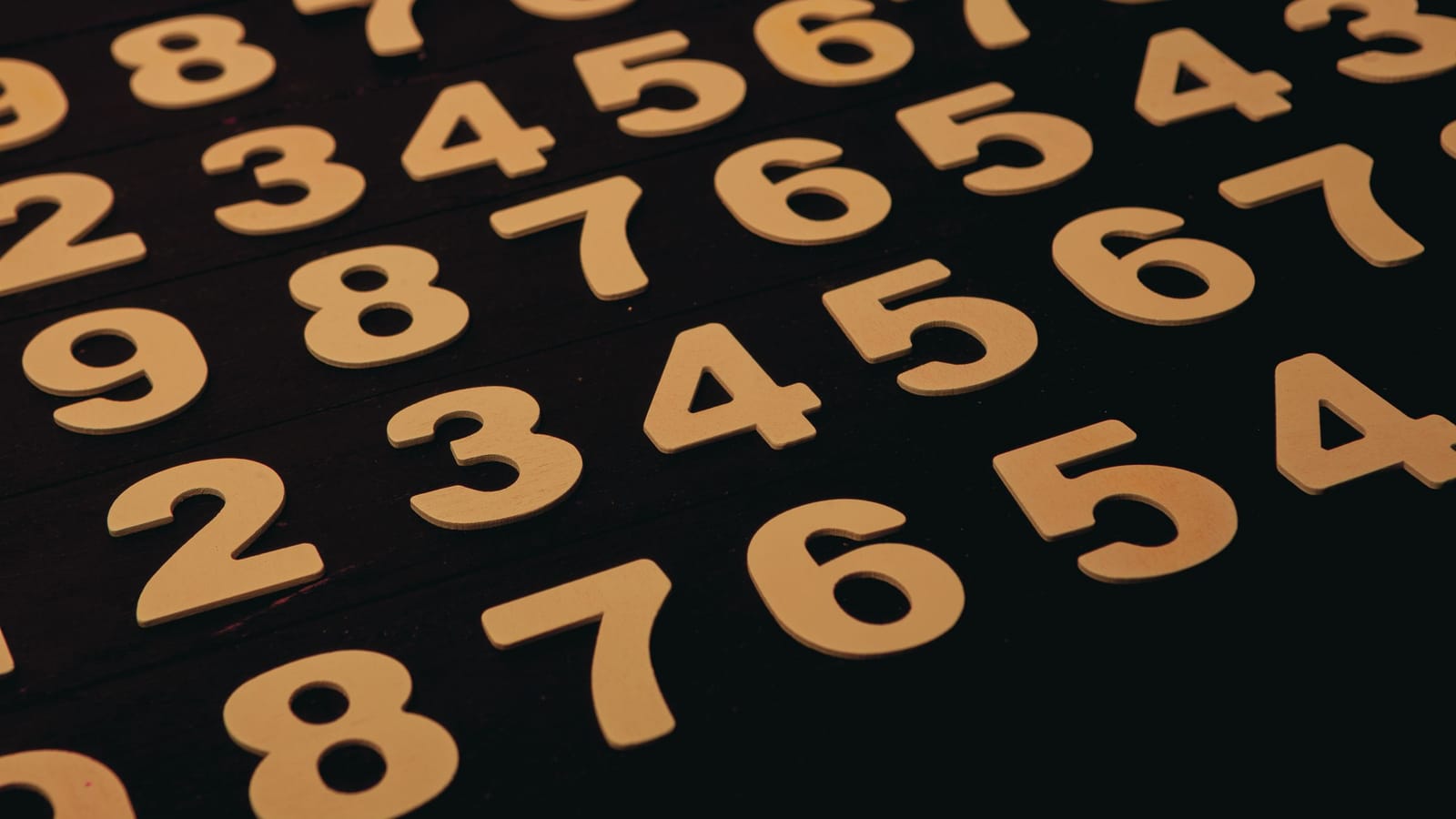
A Schulte table is a grid in which the numbers from 1 to the number of cells are placed in random order. A 5×5 table holds 1 to 25; a 7×7 table holds 1 to 49. You look for 1, point to it, then look for 2, and continue until the last number. The clock measures how long the whole sequence takes.
Each step is a small visual search: you hold one target in mind ("17"), scan a display full of similar items, and reject everything that is not the target. Reviews of visual search describe how features, expectations and experience guide where people look [1]. That research explains the kind of task a Schulte table is. It does not test the table as an exercise, or show that a faster table carries over to other activities.
Other demands come with it. You keep your place in the sequence, ignore the numbers you have already found, and move a finger, a pen or a mouse. On paper you also have to check that you did not skip a number, because nothing stops you.
How to do a Schulte table, step by step
- Choose a grid size. Start with 4×4 (1–16) if you are new, or 5×5 (1–25), the most common size. Move up a size only when your runs are consistently error-free.
- Decide how you will respond. Point with one finger on paper, or tap or click on screen. Keep the same method each time, because a mouse, a finger and a keyboard produce different times.
- Start the clock when the grid appears. On paper, uncover the grid and start a timer in the same moment; on screen, the clock starts for you.
- Find the numbers in order. Say or think the target number, find it, select it and move straight on to the next one. If you select the wrong number, find the right one before continuing.
- Stop on the last number and record. Write down the time, the number of errors, the grid size, the mode and the device.
- Play three runs and keep the middle time. The median of three new grids is less affected by one lucky or unlucky layout.
A common instruction is to keep your eyes near the centre of the grid and take in the numbers with peripheral vision. It may help some people on small grids, but we found no study comparing it with ordinary searching. Treat it as something to try: play a few runs each way and compare the medians.
How LaserMind's Schulte Table works
- Grid sizes: 3×3 to 7×7, with 5×5 as the default. Personal bests are kept separately for each size and mode.
- The clock: it starts when the grid is displayed and stops on the last correct number. There is no time limit. Times are shown to a hundredth of a second.
- Errors: a wrong number shakes and counts as an error; you carry on looking for the right one. Numbers you have already found cannot be selected again.
- Clean runs: a personal best in the main mode needs no errors and no interruptions. Switching to another tab, or resizing the window, pauses the round and counts as an interruption.
- Extra modes: counting down (5×5 and 6×6), red–black (5×5 and 7×7) and shuffle (4×4 and 5×5). They keep their own practice records and never appear on a leaderboard.
- Kids mode: the running clock is hidden, although the time is still recorded.
A worked example: reading a week of times
The log below is fictional. It shows how to turn single runs into a fair comparison.
| Day | Grid | Run 1 | Run 2 | Run 3 | Median | Errors |
|---|---|---|---|---|---|---|
| Monday | 5×5, finger, phone | 31.20 s | 27.85 s | 29.10 s | 29.10 s | 0, 1, 0 |
| Thursday | 5×5, finger, phone | 26.40 s | 28.90 s | 27.30 s | 27.30 s | 0, 0, 0 |
| Saturday | 5×5, mouse, laptop | 22.60 s | 24.10 s | 23.20 s | 23.20 s | 0, 0, 2 |
How to read this log
Monday to Thursday is a fair comparison: same grid, device and input. The median fell by 1.80 seconds (29.10 − 27.30). Monday's 27.85 s run had an error, so it would not count as a clean personal best on LaserMind.
Saturday is not comparable with the other two days. The device and input changed, and moving a mouse on a laptop is a different motor task from tapping a phone. The faster median says nothing about a change in search speed.
Falling times are normal. Across 50 studies of people retaking cognitive ability tests, scores rose by about a quarter of a standard deviation on average, and more when the same form was reused [2]. A Schulte table gives you a new layout every time, but the task, the input and the routine all become familiar. Read early improvement as practice on this task.
Variations and what each one changes
| Variation | What you do | What it adds |
|---|---|---|
| Counting down | Find 25, 24, 23 … 1 | A less practised order; you cannot rely on the habit of counting up |
| Red–black | On 5×5: black 1–13 up and red 12–1 down, alternating (black 1, red 12, black 2, red 11 … red 1, black 13). On 7×7: black 1–25 and red 24–1 | Keeping two series in mind and switching between them at every step |
| Shuffle | Find 1, 2, 3 … while every number moves to a new cell after each correct selection | You cannot remember where the next numbers were |
| Larger grid | 6×6 (1–36) or 7×7 (1–49) | More items to search and smaller cells, especially on a phone |
| Letters | A–Y on a 5×5 grid (paper only) | A different, less automatic sequence |
The red–black version adds a second colour as well as a second series. In a laboratory study, 27 children aged 8 to 11 took longer to search two-colour Schulte grids than one-colour grids [3]. That small study describes how the display changes the search, not whether practising either version is useful.
Treat each variation as a separate record. A red–black time on 7×7 and an ordinary 5×5 time measure different tasks, which is why LaserMind keeps their records apart.
Common mistakes
- Comparing times across grid sizes, devices or modes. Each combination has its own baseline.
- Counting runs with errors as personal bests. A fast run with skipped or wrong numbers is a different result from a clean one.
- Judging progress from one run. The layout varies, so a single run is noisy. Use medians.
- Moving up a size too early. If errors rise as you speed up, stay at the current size until your runs are clean.
- Expecting reading or attention to change because the time falls. That has not been shown; see below.
What the research says
Try it on LaserMind
▶ Schulte TablePlay three 5×5 runs and keep the median. Try the red–black or shuffle mode as a separate record.
If you want a different search task, Find the Odd One asks you to spot a single item that differs. For what visual search is and what guides it, read What is visual search?
What research has not established
We found no controlled trials that test Schulte-table practice as an intervention, so this guide makes no claim about benefits beyond the table itself. The study of two-colour grids involved 27 children in one laboratory and measured search times and brain responses during the task, not training [3]. The visual-search review is about how search works in general [1]. The retest meta-analysis covered formal cognitive ability tests, not Schulte tables [2]. LaserMind's times depend on the device, screen size and input method, and there are no population norms: compare only with your own earlier runs.
Frequently asked questions
What is a good time on a 5×5 Schulte table?
There is no validated norm for online Schulte tables, and times depend on the device, the input and whether errors are allowed. A useful target is your own median: aim to bring it down while keeping your runs error-free.
How often should I practise?
A few runs of a few minutes are enough to track the task. Because the evidence for wider benefits is weak, choose a frequency you enjoy rather than a programme that promises an effect.
Should I use a printed table or an app?
Both work. On paper you control the conditions but have to check your own errors; on screen errors and time are recorded for you. Keep the two records separate.
Is the Schulte table a test of attention or ADHD?
No. An online Schulte table is a practice task. It is not a diagnostic test and it is not normed. If you are worried about attention problems, talk to a doctor or another qualified professional.
References
- Wolfe, J. M., & Horowitz, T. S. (2017). Five factors that guide attention in visual search. Nature Human Behaviour, 1, Article 0058. https://doi.org/10.1038/s41562-017-0058
- Hausknecht, J. P., Halpert, J. A., Di Paolo, N. T., & Moriarty Gerrard, M. O. (2007). Retesting in selection: A meta-analysis of coaching and practice effects for tests of cognitive ability. Journal of Applied Psychology, 92(2), 373–385. https://doi.org/10.1037/0021-9010.92.2.373
- Lu, A., Wang, D., He, S., Zhongcheng, Q., Zhang, W., & Li, Z. (2022). Attention mechanisms underlying dual-color digital visual search based on Schulte grid: An event-related potential study. Brain and Behavior, 12(2), e2471. https://doi.org/10.1002/brb3.2471
- Simons, D. J., Boot, W. R., Charness, N., Gathercole, S. E., Chabris, C. F., Hambrick, D. Z., & Stine-Morrow, E. A. L. (2016). Do "brain-training" programs work? Psychological Science in the Public Interest, 17(3), 103–186. https://doi.org/10.1177/1529100616661983