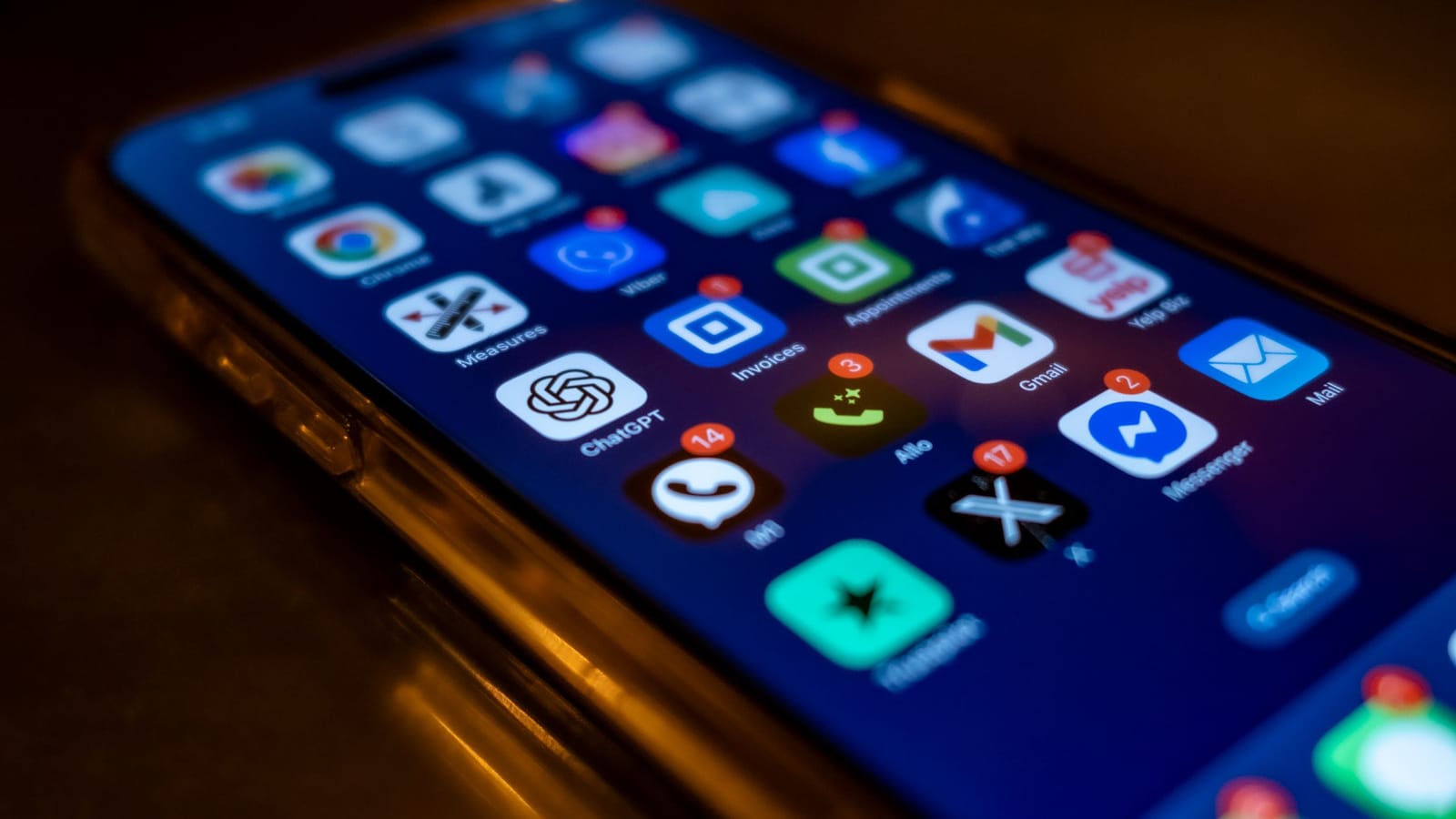
Start with responsibilities
A care call, an on-call incident and a promotional badge are different events. Decide which messages must reach you now and which can wait. A quiet phone is not a successful outcome if it blocks something you are responsible for handling.
This guide uses a fictional knowledge worker who is not on call. Adapt every choice to your actual circumstances.
| Alert | Example choice | Reason in this scenario |
|---|---|---|
| Call from a person currently in your care | Allow | An agreed essential channel stays available |
| Sign-in code you just requested | Allow | It supports the action you deliberately started |
| Review requested by tomorrow afternoon | Check in a window | The request can wait until a realistic review period |
| Shop sale or social engagement count | Silence optional alert | It need not interrupt the selected work block |
| Useful weekly newsletter | Check in a window | Keep it for deliberate reading later |
These are example decisions, not rules embedded in the evidence. A customer-support role may need a very different arrangement.
What the research does and does not show
A laboratory experiment found disruption of an attention task when participants received phone alerts without answering them [1]. A separate preregistered laboratory study did not find the predicted reduction in stop-signal performance from notifications [2]. The tasks and designs differ; together they caution against promising a fixed cost for each real-world alert.
In a two-week within-person study involving 124 adults, checking email three times daily was associated with lower reported daily stress than unrestricted checking [3]. The outcome was stress, not proof of universally better focus. Three checks per day is not an evidence-based requirement for every job.
Test one reversible change
- List the alert categories you receive, rather than treating an entire device as one category.
- Check urgent exceptions and any work or care expectations.
- Silence one optional category, or select one non-urgent channel for a realistic checking window.
- Try a comparable real task. Record useful work, interruptions, delayed decisions and anything important you missed.
- Review whether you replaced incoming alerts with more frequent manual checking. Keep, adjust or reverse the setting.
Worked example: a reviewer with an urgent exception
Sam wants a quiet interval to review a document. A teammate needs comments tomorrow, while a care contact may need immediate help. Sam leaves the care route available, turns off a shopping alert category and plans to check the team channel after the review interval.
The first attempt reveals that a same-day decision was waiting in the team channel. Sam revises the window and clarifies expectations rather than declaring the experiment a failure. The useful record contains both the completed review section and the delayed decision.
Common mistakes to avoid
Changing every setting at once makes it harder to tell which boundary fits. Counting only fewer alerts can conceal repeated self-initiated checks. Keeping a boundary indefinitely without reviewing it can preserve a rule after responsibilities change.
Use a clear return cue for the original task after checking messages. A location and next action are often easier to follow than “get back to work”; Back to Focus provides practice with that editorial routine.
Try it on LaserMind
▶ Notification TriageSort six fictional alerts, compare the suggested choices and record one real setting experiment.
The 7-day Notification Reset moves from an audit and urgent route to a repeated task comparison and final review.
What research has not established
Laboratory attention and inhibition tasks do not reproduce every workplace. The email study used self-reported stress and a particular checking restriction. None validates our exact seven-day plan or a universal alert policy. Personal task comparisons are affected by task difficulty, workload and expectations. Necessary communication takes priority over completing a challenge.
Should I turn everything off?
Start with one optional category and inspect what changes. For the wider question of digital restrictions and “dopamine detox,” see Digital Reset and the evidence.
References
- Stothart, C., Mitchum, A., & Yehnert, C. (2015). The attentional cost of receiving a cell phone notification. Journal of Experimental Psychology: Human Perception and Performance, 41(4), 893–897. https://doi.org/10.1037/xhp0000100
- Johannes, N., Veling, H., Verwijmeren, T., & Buijzen, M. (2019). Hard to Resist?: The Effect of Smartphone Visibility and Notifications on Response Inhibition. Journal of Media Psychology, 31(4), 214–225. https://doi.org/10.1027/1864-1105/a000248
- Kostadin Kushlev, Elizabeth W. Dunn (2015). Checking email less frequently reduces stress. Computers in Human Behavior, 43, 220-228. https://doi.org/10.1016/j.chb.2014.11.005